



“Protect Your Privacy”. This headline in a pamphlet at Seattle’s BSides conference this year (2025) reminded me of my own faults. Though I spent most of my freshman year familiarizing myself with the cybersecurity world, I neglected my own personal security far beyond hope. It is with great sadness that I inform you that I was using the same password for everything, sensitive and non sensitive accounts alike. This summer I decided to put a good effort into changing that and created a list that I think encompasses basic security goals that set some sort of standard for self preservation.
- Use a password manager and unique passwords
- use different alias’ for professional and non professional accounts
- Opt out of Data Broker’s so they can’t spread your personal information
- Freeze your credit until you need it
Then We have some extra items that I wanted to tick off for myself.
To start, I focused on the most critical item according to my threat model, my password and account situation. I knew that I had been exposed in multiple online attacks thanks to haveibeenpwned so it was a long overdue patch I needed to make. There are plenty of password managers out there, but for privacy and security reason’s I’m not going to be sharing which one I used. Some popular ones recommended by security folks are Bitwarden, 1Password, and iCloudKeychain, they all vary slightly but do the same job at the end of the day. After having migrated all my account information to a password manager I began sifting through each password. I knew that I had been lazy in the past and had not used generated passwords, instead opting for the same password. It was a matter of basically ctrl+f’ing my own list of passwords to see which ones were the same and then tediously change them one by one. To be clear this predicament was totally my own fault, but thankfully it took about 5 hours to compelete my goals of more secure password management.
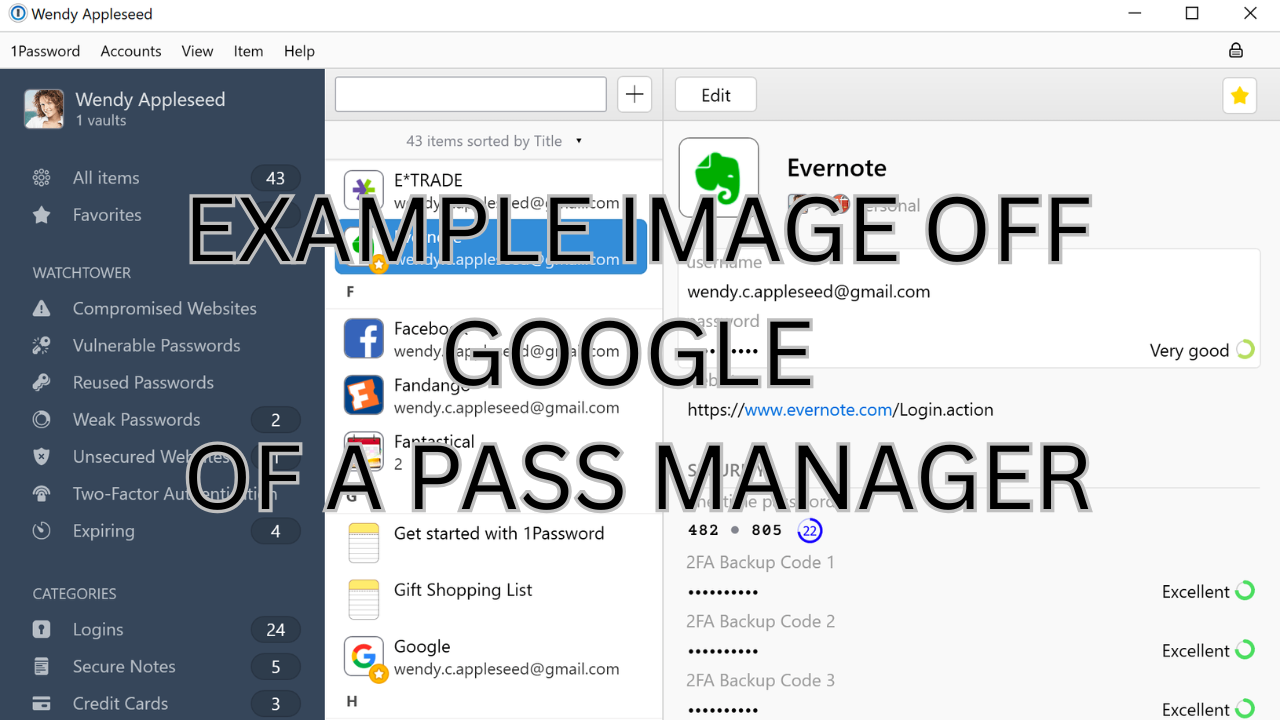
Then, I changed most of my public social media handles to be unique alias’ as having multiple alias’ protects my online privacy and my employability. This step was about 2 hours of work.
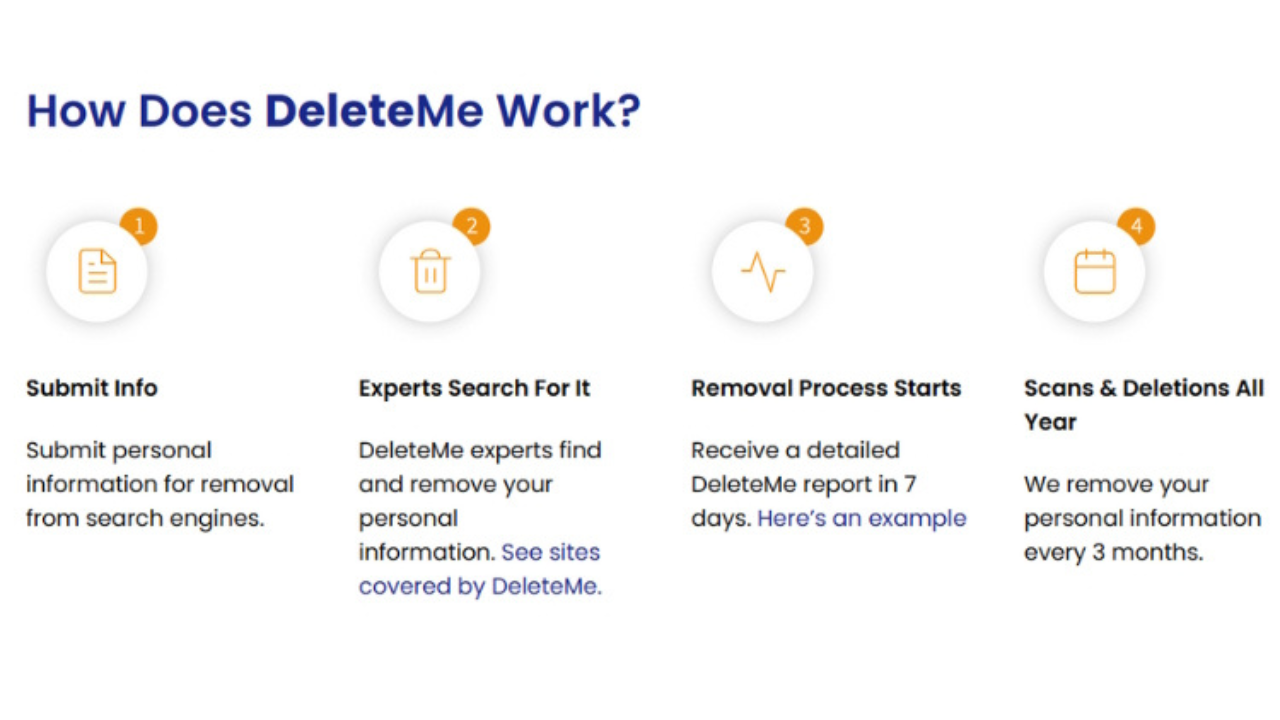
The next step to my plan was opting myself out of databroker’s databases. Originally, I wanted to go through each data broker and manually request for my information to be taken down. Quickly, however, I realized how slow their processing of requests was, and how most of the information (the URL) needed to take down my own listing was behind a morally questionable paywall. So instead of visiting sites like Spokeo, Whitepages, and Peoplefinders one by one I decided to pay a fee to a third party to automate the process. The fee was miniscule compared to the amount I would have to pay each site to view my own information, and automated what would have been a week long task into a few minutes. Services like DeleteMe or PrivacyDuck are great options for doing this, but if you have the time and are up for the struggle, manually requesting removal from these sites is an option.
Finally, freezing my credit was surprisingly easy. You need to create accounts for the 3 credit reporting agencies, Equifax, Experian, and TransUnion, and you click “freeze” on your credit. Very simple and easy, took me about 15 minutes to do.
The extra steps to my plan were a combination of time consuming tasks and trivial ones thankfully! The trivial ones included downloading Proton’s VPN and Tor on my devices.
A more time consuming task was looking further into the proton ecosystem, which I eventually decided was not for me due to most of the more enticing features being locked behind a paywall, which I as a broke college student cannot afford unfortunately. In the future I will definitely consider a legitimate switch to proton’s ecosystem, but google’s ecosystem has the benefits of being free and convenient for now.

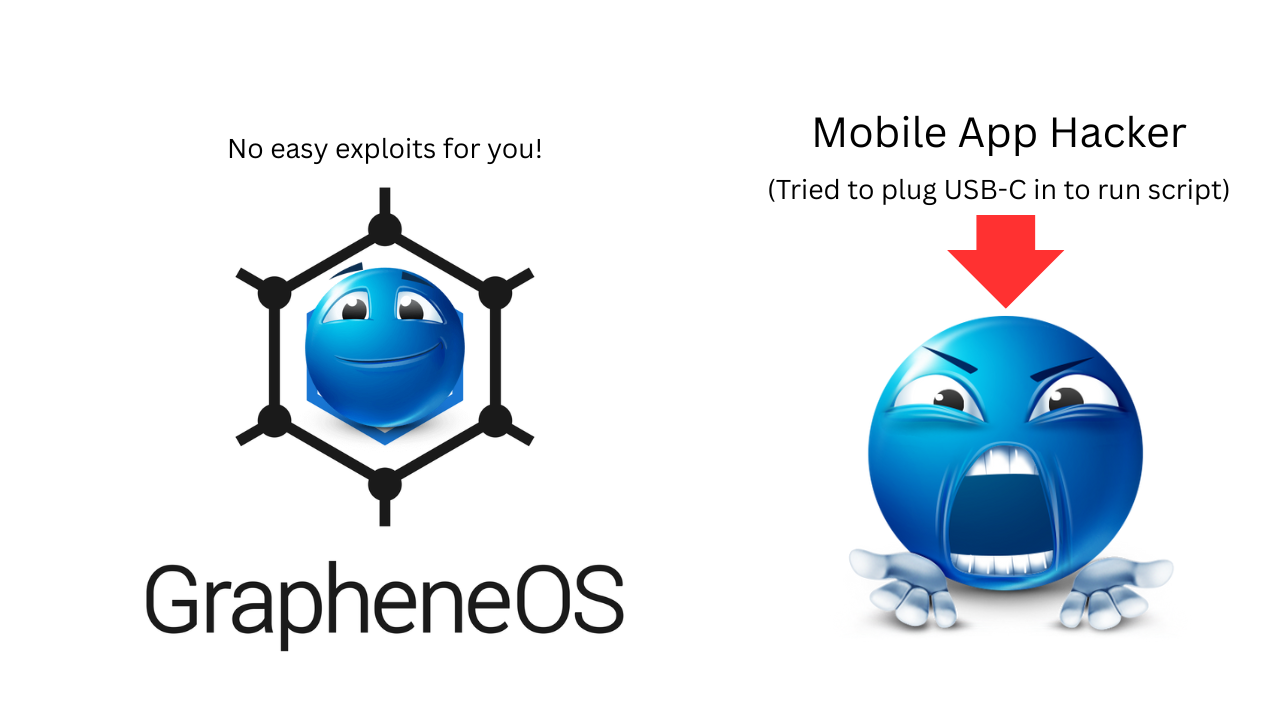
The best and most dire change I saved for last - Graphene OS. To be honest, this part was marketed to me by a few friends in my university’s cybersecurity club, and I was pretty sold. Installing and flashing Graphene onto my phone wasn’t too hard, but the most tedious part was installing every single app. Graphene chooses to compile apps themselves because of privacy concerns with JIT (Just in Time). Despite this, the technical issues weren’t that bad. For the most part, the only change I really noticed was having to enable a lot more app permissions. For instance, banking apps have to have a permission turned on called “Exploit protection compatibility mode” which is used to help sandbox apps to prevent severe exploits from occurring. The upsides to having Graphene over an out-of-the-box OS are far greater than the downsides in my opinion. Since installing it I’ve explored the privacy features such as duress pins, automatic bluetooth and NFC disableling, USB-C port permissions, and auto reboot times.
To conclude my journey of upping my own personal security, I invite you to think about ways you can
upgrade
your own personal security. I think at the top of the list password managers are the most important, but
things like freezing your credit or trying to opt out of data brokers can also be worth your time. For
me,
my next steps are maintaining my personal security by continuing to use the password manager I have and
to
always stop and think before creating a new account or downloading a new app. In the future I’d like
to
fully exit google’s online ecosystem and maybe Homelab my own ad blocker or firewall!
Thank you so much for reading my little side quest of improving personal security, and as a side note
I’m
currently working on an encrypted messaging app
so be on the look out for that in the near future!
With my heart,
Chris